Ekster at Airport Security: Slim Wallets, Passport Holders & Faster EDC
2 July 2026 · Electronics & Tech · Airport EDC
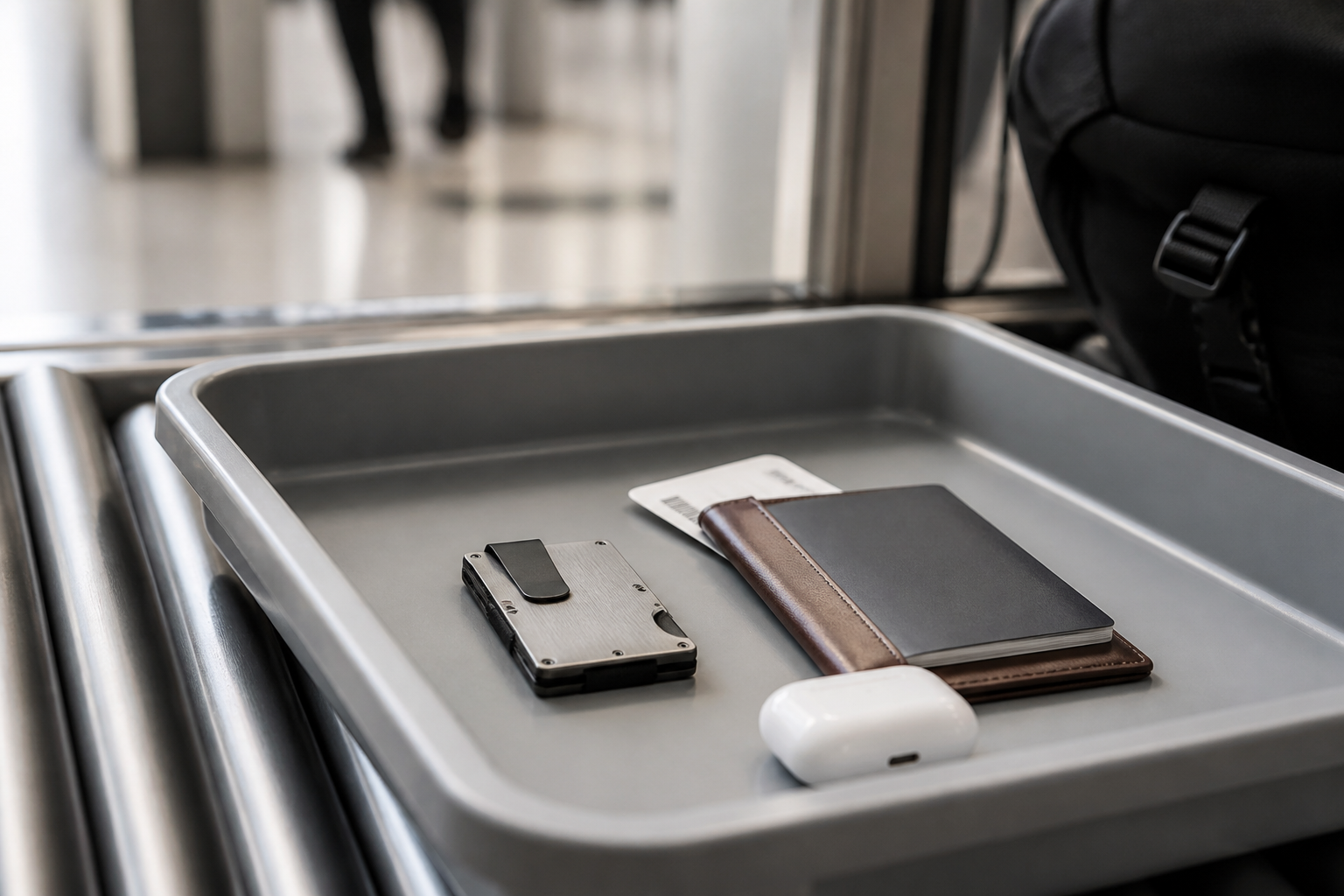
Airport security is a systems test, not a shopping trip. Thick bifolds dump coins into trays, loose cards stick to boarding passes, and a passport that “was just here” becomes a missed boarding story. Ekster sits in the opposite design lane: slim smart wallets, trackable passport holders, and Finder accessories meant to make the tray ritual boringly predictable.
This companion piece to our carry-on EDC guide is written for two audiences. Travelers get a security-line playbook—what to load, what to leave at home, and which Ekster form factor fits which queue. Brand partners get a clear view of where unLockGames traffic comes from when readers open airport-focused gear stories and click through to the official store.
Shop Ekster wallets & passport gearFor advertisers: where this traffic comes from
unLockGames publishes practical buying guides across travel, lifestyle, and product decisions. Sessions on pages like this are primarily editorial and organic—readers researching a trip friction point, not cold banner traffic. Typical arrival paths:
- Organic search & SEO content: queries around travel wallets, airport security packing, passport holders, and slim EDC for flyers.
- Internal discovery: Electronics & Tech modules, Latest Articles, and related links from other Ekster / travel-gear posts.
- Returning readers: people who already use the site for deal context and product comparisons before a flight week.
- Intentional outbound clicks: labeled CTAs and in-copy links to ekster.com with sponsorship disclosure.
The click is usually the last step of a research journey. On your analytics side, expect referral sessions with category context—wallet vs passport holder vs tracker—rather than unexplained one-second bounces.
What actually slows you down at security
Most delays are self-inflicted. A wallet stuffed with receipts forces you to dig for ID. Metal money clips and bulky leather stacks fight the tray. Documents split across jacket, backpack, and phone case create a “which pocket?” tax every time the officer asks for passport and boarding pass together.
Ekster’s useful claim for this moment is not “luxury leather.” It is fewer moving parts: pop-up card access so you can present ID without emptying the whole stack, RFID-minded construction for card privacy messaging, and passport / Finder products that turn “I left it in the lounge” into a Find My problem instead of a lost-document day.
A security-line kit that stays boring (on purpose)
1. Cardholder Pro — minimum metal for maximum speed
If you only need cards, ID, and a couple of folded notes for the airport day, Cardholder Pro is the default slim metal option. Load only what you will use before boarding: travel card, payment card, ID. Leave loyalty clutter at home. MagSafe-friendly variants matter if your phone already is your boarding pass home.
2. Wallet Pro — one wallet for office and gate
Commuters who fly monthly often want leather feel without a brick bifold. Wallet Pro sits in that middle: structured enough for daily carry, slim enough that sitting through a delay does not feel like a chiropractic appointment. Same rule applies—strip unused cards the night before.
3. Trackable passport wallet — documents with a recall button
Security is not the only failure point; hotel drawers and rideshares are. A trackable passport holder (including limited collaborations in Ekster’s lineup) pairs document storage with tracker-card logic. Enable Find My / Android finding before you leave home Wi‑Fi so the accessory is live when you need it.
4. Finder Card / tags — for keys and the “second bag”
Once wallet and passport are solved, keys and a soft pouch still go missing in security trays. Finder accessories close that loop so the system is wallet + passport + small items—not three separate panic stories.
Browse Ekster security-ready EDCTray checklist (print this mentally)
- Night before: remove store cards and expired memberships; keep travel-day cards only.
- Documents: passport + boarding pass in one holder; phone battery above 30%.
- Liquids & laptop: separate bag routines stay the same—EDC upgrades do not replace TSA rules.
- At the belt: wallet and passport leave your pocket as a set; same pocket every flight.
- After reclaim: reload wallet first, then passport holder, then phone—order reduces “left on the belt” mistakes.
Carry-on only? Pair the wallet with packing tools
Security speed and bag weight are related: fewer checked bags means fewer carousel delays and more control. Ekster’s TravelPack™ vacuum kits sit next to the wallet story for travelers who refuse checked luggage on 5–7 day trips. Compress bulkier layers so the carry-on closes cleanly; keep the slim wallet ritual independent so packing stress does not spill into the security queue.
Promotions and bundles rotate by region. Confirm live pricing, shipping destination, and whether Finder Cards are included versus sold separately on the product page—not from a third-party summary.
How unLockGames readers typically convert on this topic
Readers who open an airport-security EDC guide are rarely learning that wallets exist. They are deciding whether a slim trackable setup is worth upgrading before the next early flight. Outbound traffic is best read as high-intent referral:
- They self-select into a long-form security / packing article.
- They map themselves to cardholder vs Wallet Pro vs passport holder inside the page.
- They click a clear CTA to compare colors, MagSafe options, and live stock on the brand site.
- Checkout happens on the advertiser domain—where inventory and shipping belong.
For partners evaluating placements, the useful metric is not vanity impressions alone. It is whether sessions arrive already understanding the category and ready to compare SKUs on www.ekster.com.
Who should buy before the next flight—and who should wait
Buy now if: your current wallet dumps change at every belt, you have lost a passport once, or you fly enough that a fixed document home pays for itself in avoided stress. Start smaller if: you only need a Finder Card first, or you are still choosing between metal Cardholder Pro and leather Wallet Pro—compare both product pages before bundling.
Business travelers usually optimize for tray speed. Digital nomads optimize for trackability across cities. Students often start with the slimmest cardholder and add a passport solution later. Ekster’s catalog supports all three without forcing one hero SKU.
Trust signals (short version)
Ekster publicly emphasizes recycled materials on selected products, B Corp messaging, free-shipping offers that can vary, a money-back window, and lifetime warranty framing on many purchases. Those points reassure buyers who already decided to go slim and are choosing among reputable makers. On our side: affiliate relationships are disclosed, and clicks go to the official store so price and stock stay accurate.
Bottom line
If airport security still feels like emptying a junk drawer, the fix is not a bigger bag—it is a smaller, repeatable EDC system. Match Cardholder Pro or Wallet Pro to how many cards you truly need, give the passport a trackable home, and keep the tray ritual identical every flight. Explore current options on the official site, then upgrade before the next 5 a.m. departure—not at the gate.
Visit Ekster.comFor brand teams: this page is another live sample of how unLockGames pairs product education, clear CTAs, and an honest traffic-source explanation—so you can judge audience fit and referral intent alongside our broader Ekster travel-gear guide.
Disclosure: We may earn a commission when you purchase through our affiliate links, at no extra cost to you. Product details, prices, warranties and promotions can change—always verify on the official Ekster website before buying. Ekster is an independent brand; unLockGames is not officially endorsed by Ekster unless separately stated.